Desktop
TangleGuard Designer is a desktop app available for all major operating systems. The Designer is a visual editor that lets you create and edit your target architecture by defining dependency rules.
It allows you to browse any local codebase visually as dependency graph without the need to have admin access to the repository, see the exploration feature.
In addition, this is the place where you define your target architecture in form of dependency rules - the architectural lints. The desktop app can also validates the codebase against those rules/lints right away. As a result, you get a list of violations, as well is a graph diagram showing the violated dependencies. More about the linting in general here.
Installation
Section titled “Installation”First, download the Designer from our website. The installation process is straightforward.
Define Dependency Rules
Section titled “Define Dependency Rules”You can define if components are allowed to depend on each other not.
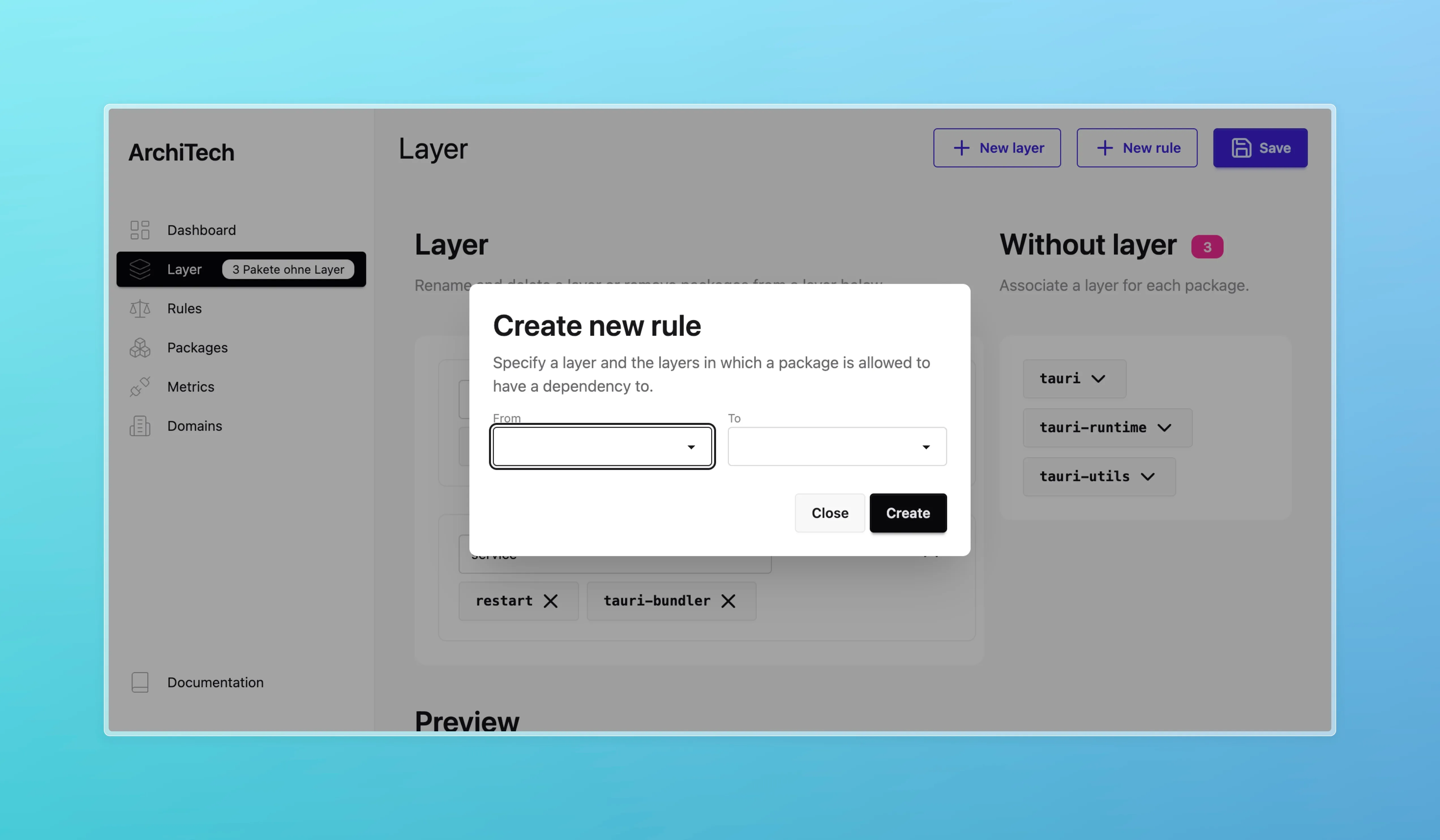
You can view all the existing rules on the rules page.
Templates workspace only
Section titled “Templates ”For a workspace you can choose one of a set of templates. The following templates are available:
- Horizontal Layered Architecture: This template creates an user defined amount of layers with a placeholder name and creates dependency rules as follows: A layer is only allowed to use a layer which sits below it.
- Clean Architecture: This template creates a clean architecture with layers for the domain, application, and infrastructure, with the dependency rule going “outwards”.
which create the layers and the dependency rules for you. This takes work off your hands then using a horizontal layered architecture or clean architecture.
Violations
Section titled “Violations”You can check your source code for violations right in the desktop app. TangleGuard scans the source code and finds dependencies which violate the rules/lints.